
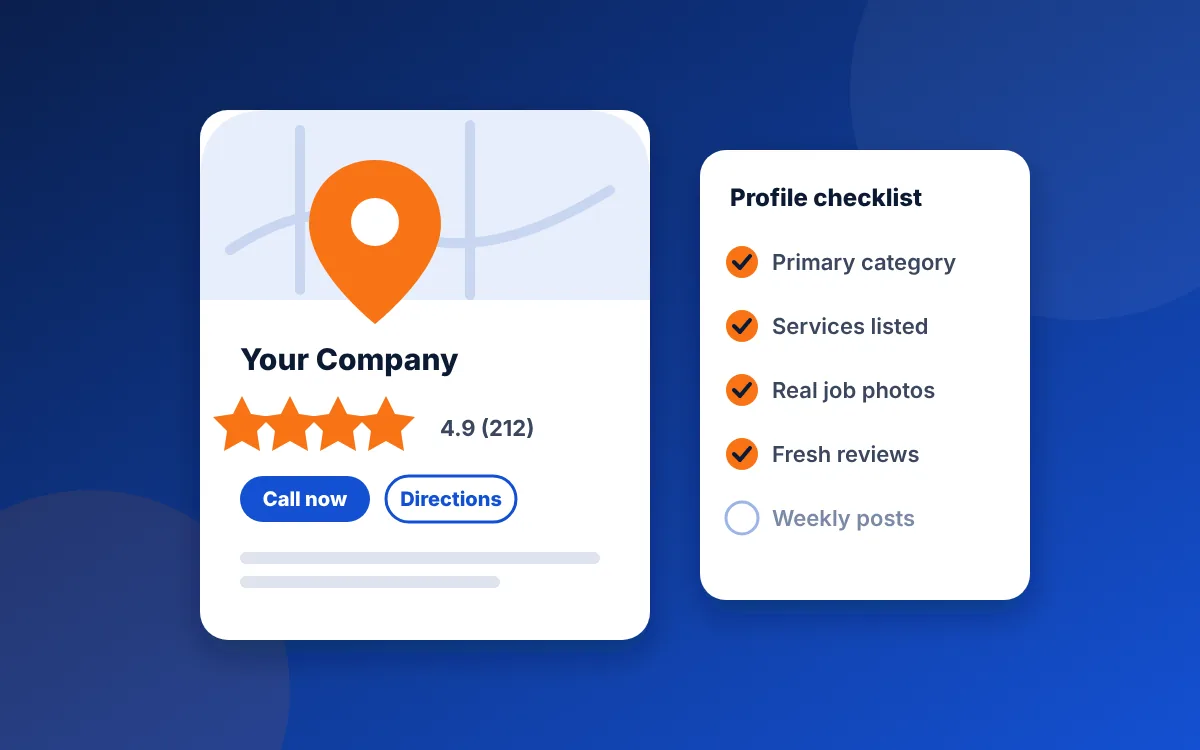
Google ranks local results on three things: relevance, distance and prominence. Your profile controls most of relevance (categories, services, description) and a big part of prominence (reviews, photos, activity). Get the primary category right first, then fill in every field Google offers.
1. Choose the most specific primary category
The primary category carries more weight than anything else you set. Pick the one that matches the work you most want: "HVAC contractor" rather than "Contractor", "Electrician" rather than "Electrical installation service" if that's your main trade. Look at the top three businesses in your map pack to see what they use.
2. Add secondary categories for real services only
Add categories for other work you genuinely do, such as "Water heater installation service" for a plumber or "Kitchen remodeler" for a general remodeler. Don't add categories for work you don't do. It dilutes relevance and can bring the wrong calls.
3. Set up as a service-area business
If customers don't come to your office, hide your street address and list the areas you serve instead. Google lets you add up to 20 service areas. Use the cities and ZIP codes where you want jobs.
4. Fill in the Services list with descriptions
Add each service you offer, with a short description in plain words: what it is, who it's for and the areas you cover. These descriptions help Google match you to specific searches like "tankless water heater install".
5. Write a business description that states facts
You get 750 characters. Say what you do, where, how long you've done it, your license details and what makes you the safe choice. Skip phrases like "quality service at fair prices". They tell Google and customers nothing.
6. Keep your business name exactly as it appears in real life
Adding keywords or cities to your business name breaks Google's guidelines and can get your profile suspended. "Smith Plumbing" stays "Smith Plumbing", not "Smith Plumbing Tulsa Emergency Plumber 24/7".
7. Link to the right page on your website
Point the website link to your homepage or your main service page, and make sure the name, phone number and areas on that page match the profile exactly. Mismatched details are one of the most common problems we find in audits.
8. Set accurate hours, including emergency hours
If you take emergency calls, show it. Set special hours for holidays so Google doesn't mark you as "may be closed". Searches with "open now" filter out businesses whose hours don't fit.
9. Upload real photos every month
Show your team, your trucks and finished jobs, taken on a phone at the job site. Real photos of local work build more trust than stock images, and a steady flow of new photos signals an active business.
10. Ask every customer for a review
Reviews are the biggest prominence signal you can influence. Send a direct review link by text after every job, while the customer is still happy. Don't offer rewards for reviews; Google prohibits it.
11. Reply to every review
Thank people for good reviews in a sentence or two, mentioning the job. Answer bad reviews calmly and offer to fix the problem. Future customers read the replies as closely as the reviews.
12. Post updates
Share a recent job, a seasonal tip or an offer every week or two. Posts keep your profile fresh and give customers a reason to call you.
Common questions
How long does it take to rank in the map pack?
Time to rank in the map pack depends on competition and distance. Fixes to categories and services can show an effect within weeks, while building reviews and prominence is a steady, months-long job.
Can I rank in a city where I don't have an office?
You can show up there, but distance from the searcher matters a lot in the map pack. Pages on your website for each town you serve help you rank in regular results there too.
Should I pay for Google's Local Services Ads?
Local Services Ads can be worth testing, especially for emergency work, but they're separate from your Business Profile. The free profile work on this checklist still pays off either way.
Want us to check your profile?
The free audit compares your website with your business details and shows what to fix first.
Get my free audit