
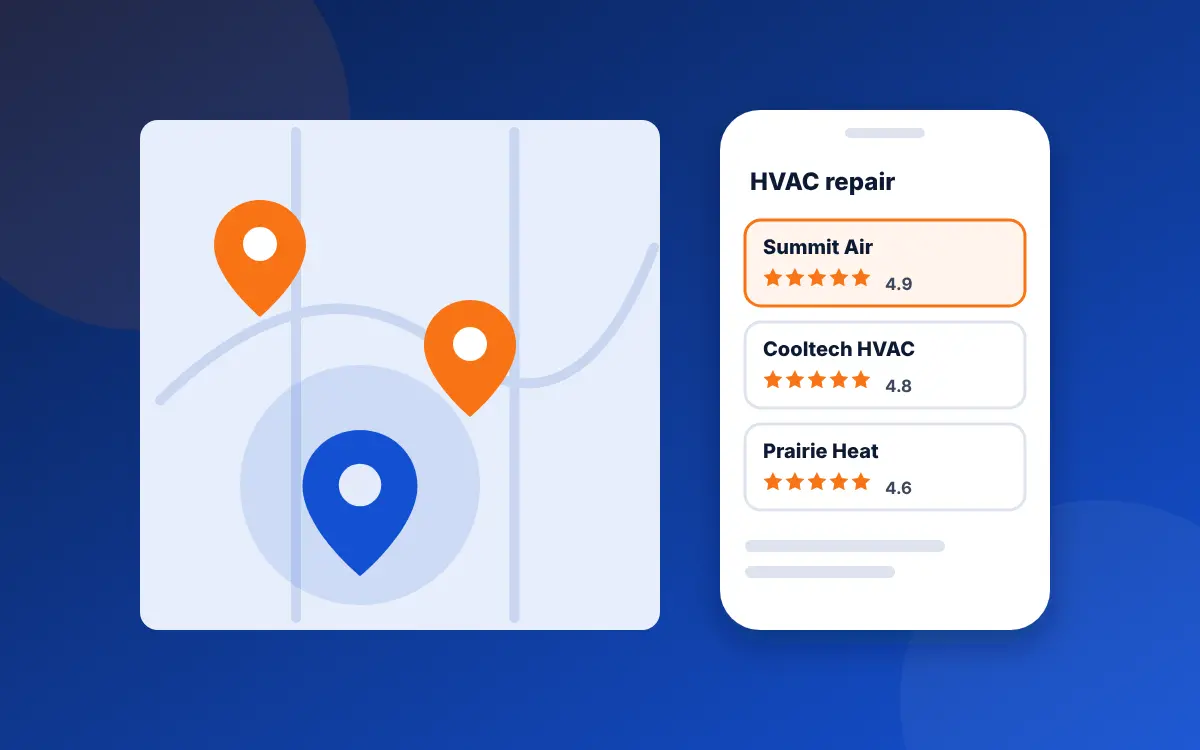
To rank higher on Google Maps, pick the most specific primary category for your trade, complete and verify your Business Profile, keep your hours current, earn a steady flow of detailed Google reviews, and back the profile with a website that has a page for each service and city. Google ranks local results on relevance, distance and prominence.
How does Google Maps ranking work?
Google publishes the answer in its Business Profile help pages. Local results are "mainly based on relevance, distance, and prominence":
- Relevance is "how well a Business Profile matches what someone is searching for". Your categories, services and description decide most of it.
- Distance "refers to how far each business is from the customer who's searching". You can't move your shop, so this is the one factor outside your control.
- Prominence "means how well-known a business is", and Google says it draws on "how many websites link to your business and how many reviews you have".
Google also says "there's no way to request or pay for a better local ranking". Local Services Ads and Google Ads can put you above or beside the map, but they're labeled as sponsored and don't change where your free listing sits. We compare the paid options in SEO vs Google Ads vs Local Services Ads.
What matters most for the map pack?
Google doesn't publish weights. The best outside estimate is Whitespark's Local Search Ranking Factors survey, which asks dozens of local search specialists to rate each factor; the current edition, published November 6, 2025, drew on 47 of them. It's expert opinion rather than a reading of Google's code, so treat it as a guide. Its top ten factors for the map pack, in order:
| Rank | Factor | Can you change it? |
|---|---|---|
| 1 | Primary Google Business Profile category | Yes, today |
| 2 | Distance from the searcher to your address | No |
| 3 | Keywords in the business name | Only by legally renaming the business; stuffing the profile name breaks Google's rules |
| 4 | Physical address in the city being searched | Rarely |
| 5 | Business open at the time of the search | Yes, through accurate hours |
| 6 | High Google star rating (4 to 5) | Over time |
| 7 | Address shown on the profile (not a hidden service area business) | Only if customers visit your location |
| 8 | Additional categories | Yes, today |
| 9 | Number of Google reviews with text | Over time |
| 10 | Map pin in the right place | Yes, today |
Read the third column first. About half of the top factors are fixed by where your business sits and what it's called. That's why a plumber across town can outrank you for searches near their shop no matter what you do, and why the honest goal is to rank well in the area around you and widen that area, not to own a whole metro.
Step 1: Get the categories right
Your primary category is the single strongest setting you control. Google's guidelines say to choose categories that complete the sentence "this business is a…", to pick the most specific one that fits, and to use "the fewest number of categories it takes to describe your overall core business".
For a contractor that means the trade itself: Plumber, HVAC contractor, Electrician, Roofing contractor or General contractor, depending on what most of your revenue comes from. Then add a small number of secondary categories for real lines of work you sell on their own, such as Water heater installation service or Air conditioning repair service. Don't add categories for jobs you'd turn down; a remodeler who adds Plumber to catch more searches will get calls they can't take, and the profile becomes less clear about what you are.
Look at the top three businesses for your main search and check their categories. Browser extensions such as GMB Everywhere show them, or you can see the primary category on the listing itself. If all three use a category you've missed and it describes your work, add it.
Step 2: Fill in the profile completely, and keep it true
Google says "businesses with complete and accurate info are more likely to show up in local search results". Work through every field:
- Name: your real business name as it appears on your truck and invoices. Google's guidelines say "including unnecessary information in your business name isn't permitted". "Smith Plumbing" is fine; "Smith Plumbing | 24/7 Emergency Plumber Tulsa" risks suspension.
- Address or service area: if customers don't come to your location, hide the address and list your service areas. Google allows up to 20 and asks that they stay within about two hours' drive of your base.
- Hours: keep them current, including holiday hours. If you take emergency calls at night, say so in the hours only if someone answers the phone.
- Services: list each service with a short description in your customers' words.
- Description: a few plain sentences on what you do, where and since when. No links, no promotions.
- Photos: your own work, crew and vehicles, added a few at a time across the year. Google suggests photos and videos to "show customers what you offer".
Then verify the profile. Google says verification tells it you're "authorized to represent the business, so it's more likely to show up in search results". If your profile isn't appearing at all, start with our guide to why your business isn't showing on Google Maps before anything here.
Step 3: Build a steady flow of reviews
Google states that "more reviews and positive ratings can help your business's local ranking". The Whitespark survey ranks star rating sixth and the number of reviews with text ninth. Three habits move both:
- Ask every customer after a finished job, by text, with a direct link to your review form, ideally the same day while the work is fresh in their mind.
- Reply to each review. Google says replying "shows that you value their feedback". Keep replies short and specific to the job.
- Spread requests out. A slow, steady stream looks like a real business; fifty reviews in one week followed by silence doesn't.
Never buy reviews, write them yourself, or pay customers for them. The FTC's rule on fake reviews took effect on October 21, 2024 and allows civil penalties, and Google's own policy bars offering "payment, discounts, free goods and/or services" in exchange for a review. Our guide to getting more Google reviews covers the ask, the wording and the rules.
Step 4: Make your website back up the profile
Relevance and prominence both come partly from your website. The link on your profile tells Google which site belongs to the business, and what it finds there either supports the profile or muddies it.
A page for each main service
If you list Water heater installation as a service on your profile, have a page on your site about water heater installation in your area: the brands you fit, typical price ranges, how long it takes, and photos from real jobs. Whitespark's survey rates a dedicated page for each service as one of the strongest factors for AI search visibility as well, so the same page does two jobs. Our guide to service pages that rank shows the layout.
City pages that are worth reading
A page for each main town you serve can help, if each one says something specific to that town: the neighborhoods you work in, local permit quirks, housing stock, recent jobs. Twenty copies of one page with the city name swapped are what Google calls doorway pages, and they can hurt more than help. Of the 20 Tulsa contractor sites we audited in October 2026, 17 avoided that trap.
Name, address and phone that match exactly
Your site, your profile and your listings on Bing, Apple, Yelp, the BBB and trade directories should all show the same name, address and phone. Only half of the 20 Tulsa sites we audited had fully consistent details across their pages and structured data.
Structured data
Add LocalBusiness markup using the most specific type that fits (Plumber, HVACBusiness, Electrician, RoofingContractor or GeneralContractor) with your hours, phone, address or service area, and a link to your Google profile. In our Tulsa audit, 6 of 20 sites had no specific business type with location and hours in their code, and 19 of 20 didn't tie their service areas to real places. Our schema guide for contractors has copy-ready examples.
Step 5: Earn links and mentions from your area
Google names links as part of prominence. For a contractor, the links worth having are local and real: the supply house's "find a contractor" page, the manufacturer's dealer locator (Carrier, Trane, Generac, Rheem and others run them), the local home builders association, a youth team or charity you sponsor, and the chamber of commerce. Each one also puts your name, address and phone in front of Google again. Skip paid link packages; they rarely come from sites anyone in your town reads.
What gets profiles suspended
Fast gains on Google Maps often come from rule-breaking, and they don't last. These are the common ones, all against Google's guidelines:
- Keywords or city names added to the business name.
- A virtual office, PO box or a friend's address used as a fake location.
- Several profiles for one business to cover more towns.
- Fake or paid reviews, or asking only the customers you expect to be happy. Google's review policy bans "selectively" soliciting positive reviews.
Competitors who do these things sometimes outrank you for a while. You can suggest an edit to their listing in Google Maps, and Google has a complaint form for serious or repeated cases. Fix your own profile first, though; a suspension costs you far more than a competitor's stuffed name.
How to check where you rank
Map rankings change with the searcher's location, so a single search from your office tells you little. Search your main terms from a private browser window while you're at a few job sites across your area, or ask customers and crew in different towns to send a screenshot. Paid grid tools run the same search from dozens of points on a map and show where you appear; they're useful once you're spending on SEO, not before.
Check your Business Profile performance report each month too. It shows calls, direction requests and website clicks from the profile, which matter more than position.
How long does it take to move up?
Category, hours and pin fixes often show within a few weeks, once Google picks up the changes. Reviews, links and new service pages build over months. If you started from a thin profile with few reviews in a busy market, plan on six months or more of steady work before judging. We set out what to expect month by month in how long SEO takes.
Common questions
How do I rank higher on Google Maps?
Choose the most specific primary category for your trade, complete and verify your Business Profile, keep hours current, earn steady Google reviews with text, and link the profile to a website with a page for each main service. Google ranks local results on relevance, distance and prominence, and you can't pay for a better spot.
How does Google Maps ranking work?
Google says local results are mainly based on relevance, distance and prominence. Relevance is how well your profile matches the search, distance is how far you are from the searcher, and prominence is how well-known you are, judged partly by links to your site and your reviews.
Why does a competitor with fewer reviews rank above me?
Usually distance or category. A business closer to the searcher, or with a more specific primary category, can outrank one with more reviews. Some competitors also stuff keywords into their business name, which breaks Google's rules; you can suggest an edit to their listing in Google Maps.
Can I add keywords to my business name on Google?
No. Google's guidelines say your name should reflect your real-world name and that including unnecessary information isn't permitted. Adding a city or service to the name can get the profile suspended. If you legally rename the business, update your signage and documents first.
Does hiding my address hurt my Google Maps ranking?
Expert surveys rate a visible address as helpful, but Google requires service area businesses that don't serve customers at their location to hide it. Following the rule is the safe choice; a suspended profile ranks nowhere. List up to 20 service areas within about two hours' drive instead.
How long does it take to rank on Google Maps?
Fixes to categories, hours and the map pin often show within a few weeks. Reviews, local links and new service pages build over months. In a busy market starting from a thin profile, plan on six months or more of steady work before judging the results.
Sources
- Google Business Profile Help, Tips to improve your local ranking on Google (checked October 29, 2026)
- Google Business Profile Help, Guidelines for representing your business on Google (checked October 29, 2026)
- Google Business Profile Help, Manage your service area (checked October 29, 2026)
- Google Business Profile Help, Verify your business on Google (checked October 29, 2026)
- Whitespark, Local Search Ranking Factors, published November 6, 2025
- Google Search Central, Spam policies for Google web search (doorway pages)
- Federal Trade Commission, Final rule banning fake reviews and testimonials, August 14, 2024
- Google Maps, Prohibited and restricted content (checked October 29, 2026)
- Realo audit of 20 Tulsa-area contractor websites, October 18, 2026 (unpublished data, businesses not named)
See why a smaller company outranks you
The free audit checks your website's local signals against your profile and tells you which fixes to make first.
Get my free audit