
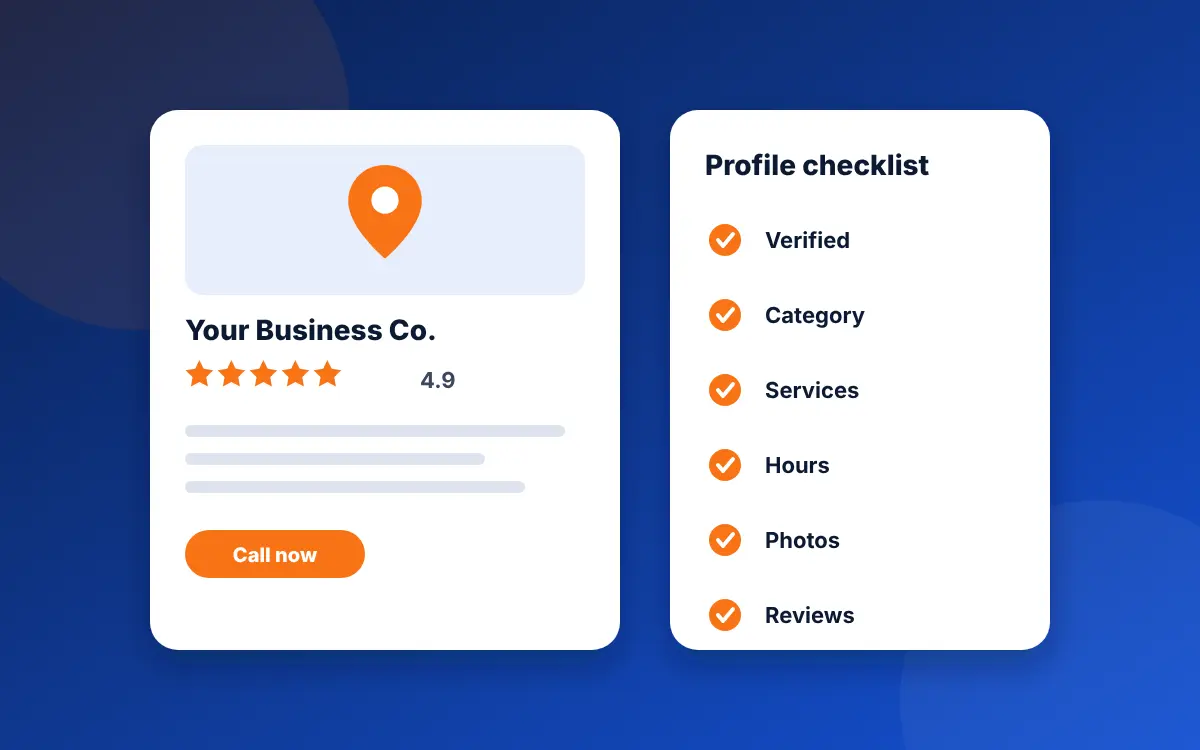
Google Business Profile optimization is making your listing complete, accurate and active so Google can match it to more searches. Google says businesses with complete and accurate information are more likely to show up in local results, and that you can't pay for a better local ranking. The work is verification, the right categories, a full services list, honest hours, photos and a steady flow of reviews.
What Google says decides your ranking
Google's help page on local ranking names three factors:
- Relevance: how well your profile matches what the person searched for. Complete, detailed information helps.
- Distance: how far your business is from the person searching. You can't change this, but you can check it from different parts of your service area.
- Prominence: how well known your business is, based on things like links from other websites and the number and rating of your reviews.
Google also says plainly: "There's no way to request or pay for a better local ranking on Google." That is why optimization matters. It is the only lever you control, and it's free.
The order to work in
| Step | What to do | Why it matters |
|---|---|---|
| 1. Verify | Finish verification so Google knows you're authorized to represent the business. | Verified listings are more likely to appear in results. |
| 2. Name, address, service area | Use your real-world name, and hide your address if customers don't visit you. | Breaking the name and address rules is a common cause of suspensions. |
| 3. Categories | Pick the most specific primary category, then add real secondary ones. | Google asks for the category that best describes your business type. |
| 4. Services and description | List every service with a plain description of each. | Gives Google more to match against specific searches. |
| 5. Hours | Set regular hours, plus special hours for holidays. | Wrong hours cost you calls, and also cost money if you run Local Services Ads. |
| 6. Photos | Add real photos of your team, trucks and finished jobs. | Google says photos and videos show what you offer and tell your story. |
| 7. Reviews | Ask every customer, and reply to every review. | Reviews feed prominence, and Google says helpful replies help you stand out. |
| 8. Website match | Make the name, phone and towns on your site match the profile. | Links from other websites count toward prominence, and mismatched details confuse people and machines. |
1. Verify the profile
An unverified profile is a profile Google hasn't yet confirmed is yours. Finish verification before you spend time on anything else, because the rest of your work won't show properly until it's done. If something went wrong, our guide on why your business isn't showing on Google Maps walks through the causes.
2. Get the name, address and service area right
Use the name on your truck, invoices and license, with nothing added. Google's guidelines say extra details such as taglines, hours or location words can lead to suspension. If customers don't come to you, set up as a service-area business, hide your street address and list the areas you serve. Google lets you add up to 20 service areas, and it says an overall area shouldn't stretch beyond about two hours of driving time from where you're based. If this goes wrong, read what to do when your profile is suspended.
3. Choose categories carefully
Google asks you to choose the category that best describes your business type. Your primary category should be the work you most want, as specific as Google allows: "HVAC contractor" is better than "Contractor". Then add secondary categories only for services you really perform. Look at the profiles that rank above you in the map pack and note which categories they use.
4. Fill in services and the description
Add each service you offer, such as water heater replacement or panel upgrade, with a short description in plain words. For the business description, state facts: what you do, where, how long you've done it and your license details. Descriptions can't include links, and they shouldn't focus on prices or promotions. Skip lines like "best service at fair prices", which tell neither Google nor a homeowner anything.
5. Keep hours and details accurate
Google says to list your regular hours and add special hours for holidays. If you take emergency calls, show it. Check the phone number, website link and service areas every quarter. Customers act on what the profile says, and so does Google.
6. Add real photos
Photos and videos help show what you offer. Use pictures taken on your phone at real jobs: the team, the truck, the finished work. Real photos of local jobs build more trust than stock images, and a profile that gets new photos looks active. Add a few each month, not hundreds in one day.
7. Collect and answer reviews
Reviews and ratings feed prominence. Send customers a direct review link by text after each job, while the work is fresh, and never offer a reward in return. Google says positive reviews and helpful replies can help a business stand out, so reply to every review in a sentence or two, mentioning the job. Answer a bad review calmly and offer to fix the problem. Our guide on how to get more Google reviews has the scripts.
8. Make your website back up the profile
Your profile and your website should say the same thing: the same name, phone number and towns. A page for each main service and each main town gives Google more to match. See service pages that rank and service area pages. Links from other sites count toward prominence, which is one reason local press, supplier pages and chamber of commerce listings are worth having.
Mistakes that undo the work
- Adding keywords or your city to the business name
- Using a P.O. box or a virtual office as your address
- Creating a second profile for the same business
- Adding categories for work you don't do
- Buying reviews or offering rewards for them
- Changing several details at once, which can trigger a review
How to tell if it's working
Search your main services from different parts of your service area, in Google Maps on a phone, and note where you appear. Check the same searches every month and keep a simple log. Ranking changes take time, usually months, and Google doesn't give a timeline, so judge the trend over a quarter. Calls matter more than position, so also ask every new caller how they found you. Our lead cost calculator turns that into cost per booked job.
Want a shorter list to work through? Use the Google Business Profile checklist. For the bigger picture, read how to rank higher on Google Maps.
Common questions
What is Google Business Profile optimization?
It means filling in your Business Profile completely and accurately, then keeping it active, so Google can match it to more searches. That covers verification, categories, services, hours, photos and reviews.
Can I pay Google for a better local ranking?
No. Google says there's no way to request or pay for a better local ranking. Ads are separate and don't change your profile's map pack position.
What are the three local ranking factors?
Relevance, distance and prominence. Relevance is how well your profile matches the search, distance is how far you are from the searcher, and prominence is how well known you are, based on things like links and reviews.
How long does Business Profile optimization take to work?
Google gives no timeline. Verification and profile fixes can show quickly, but climbing the map pack usually takes months, so judge the trend over a quarter.
What is the most important Business Profile setting?
The primary category. It should be the most specific category that describes your main work, such as HVAC contractor instead of Contractor.
Do reviews help my Business Profile rank?
Yes. Google lists the number and rating of reviews as part of prominence, and says positive reviews and helpful replies can help a business stand out. Never offer a reward for reviews.
Sources
- Google Business Profile Help, Tips to improve your local ranking on Google (checked November 2, 2026)
- Google Business Profile Help, Guidelines for representing your business on Google (checked November 2, 2026)
- Google Business Profile Help, Manage your service areas for service-area and hybrid businesses (checked October 29, 2026)
Want to know what your profile is missing?
The free audit checks your Business Profile against your website and tells you what to fix first.
Get my free audit